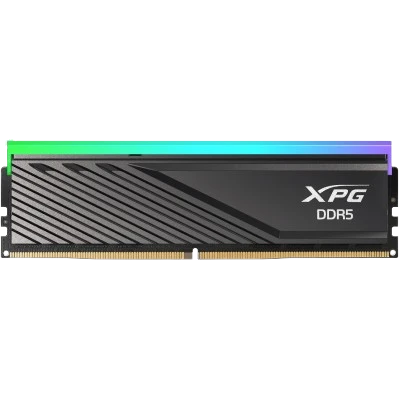
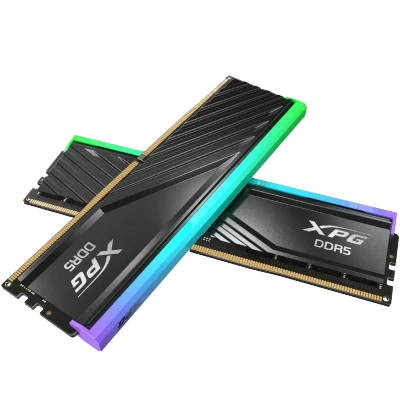
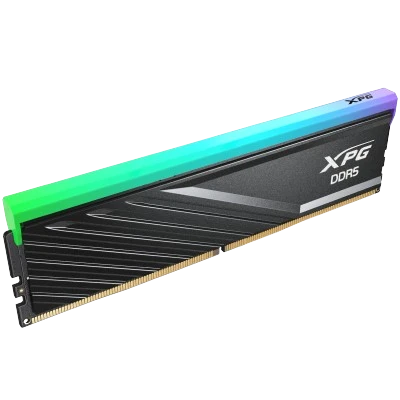
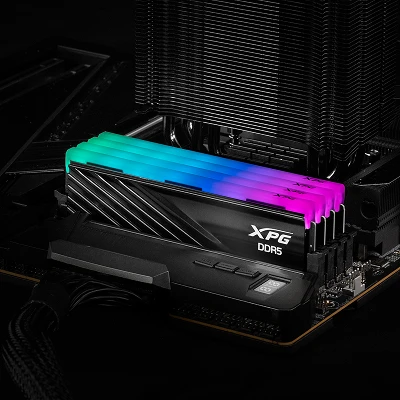
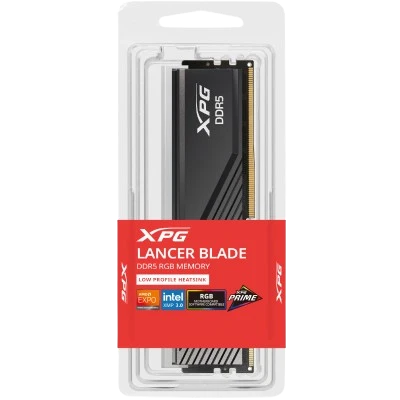
XPG ADATA LANCER BLADE RGB 16GB DDR5 6000 MHz DESKTOP MEMOREY (AX5U6000C4816G-SLABRBK)CL48 BLACK
Availability:
In Stock
₹28927.5
Visit Store 'Johar Computers' for special offline prices for PC Build
About this item : Compact Low-Profile Heatsink Design The LANCER BLADE RGB boasts a low-profile heatsink that fits perfectly in smaller PC cases and avoids interfering with tower CPU coolers. Its sleek geometric lines add versatility and visual appeal to any case design.
Product Code: TWR3114
Model : XPG ADATA LANCER BLADE RGB 16GB DDR5 6000 MHz DESKTOP MEMOREY (AX5U6000C4816G-SLABRBK)CL48 BLACK
Brand : XPG
Category : RAM
Ram Size : 16 GB
Compatibility: desktop
Ram Type : DDR5
Ram Channel : Single Channel
Ram Speed : 6000 MHz
Ram Color : Black
Ram Latency : CL 48
Upsell Products
Visit Store 'Johar Computers' for special offline prices for PC Build
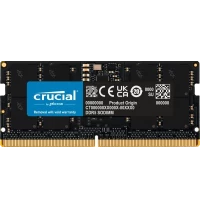
Crucial 16GB DDR5-4800 MHz LAPTOP RAM (CT16G48C40S5)
₹ 24156
₹ 29900
Visit Store 'Johar Computers' for special offline prices for PC Build
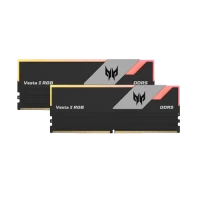
PREDATOR VESTA II DDR5 RGB 32GB 6000MHz (16*2) DESKTOP RAM
₹ 62422
₹ 69999
Visit Store 'Johar Computers' for special offline prices for PC Build
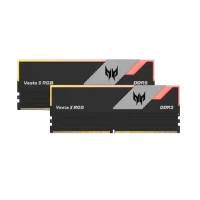
PREDATOR VESTA II DDR5 RGB 64GB 6000MHz (32*2) DESKTOP RAM
₹ 141897
₹ 144999